 Laravel Magazine


Laravel's Sleep facade replaces raw sleep() calls with a fluent, fully testable API — no more multi-second test suites.

Tips
Stop Calling sleep() Directly: Laravel's Testable Sleep Facade
Laravel's Sleep facade replaces raw sleep() calls with a fluent, fully testable API — no more multi-second test suites.

Tips
Switching Database Connections on the Fly with Laravel's connection() Method
Your config/database.php connections aren't fixed at boot. Here's how to pick, register, and reset connections at runtime.

News
Filament Ships an Ecosystem-Wide Performance Beta
Filament rolls out a beta with performance work spanning forms, tables, panels, and widgets. Here's what changed and how to try it.

Tutorials
Building a Simple Order State Machine with PHP Enums and Eloquent
Model valid order status transitions with a backed PHP enum and Eloquent, no state machine package required.
Latest News
Latest Links
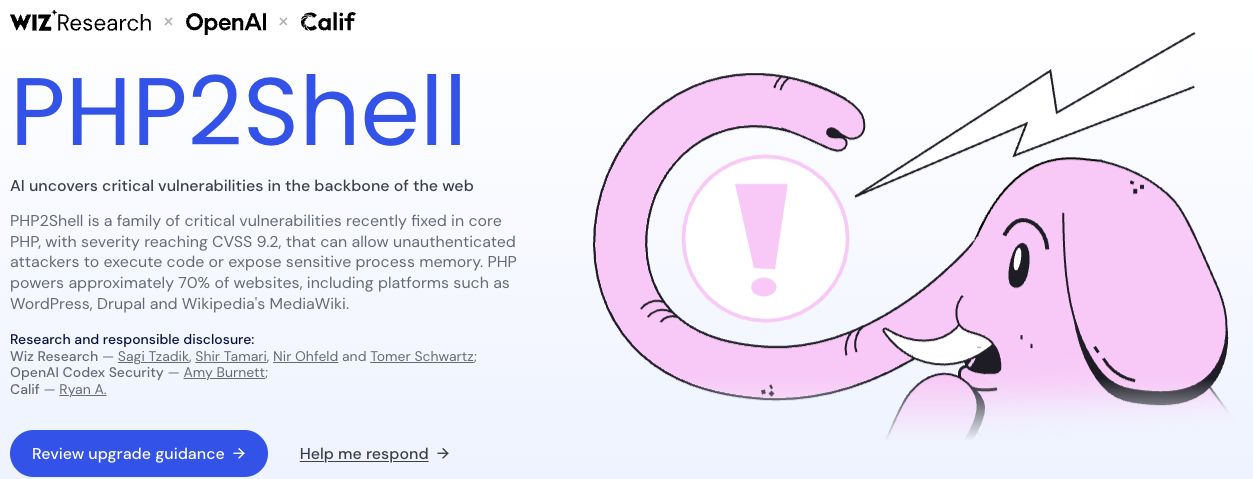 PHP2Shell
wiz
PHP2Shell
wiz
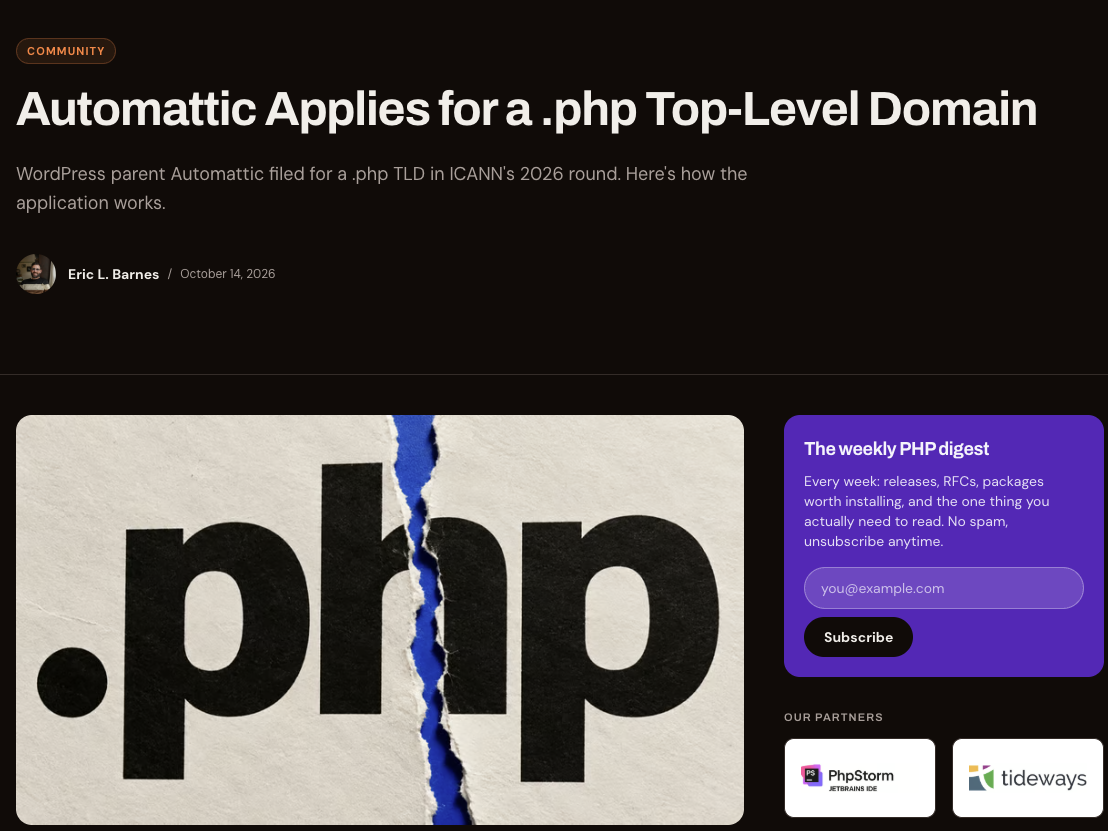 Automattic Applies for a .php Top-Level Domain
Eric L. Barnes
Automattic Applies for a .php Top-Level Domain
Eric L. Barnes
 Artisan Weekly
Daniel Newns
Artisan Weekly
Daniel Newns
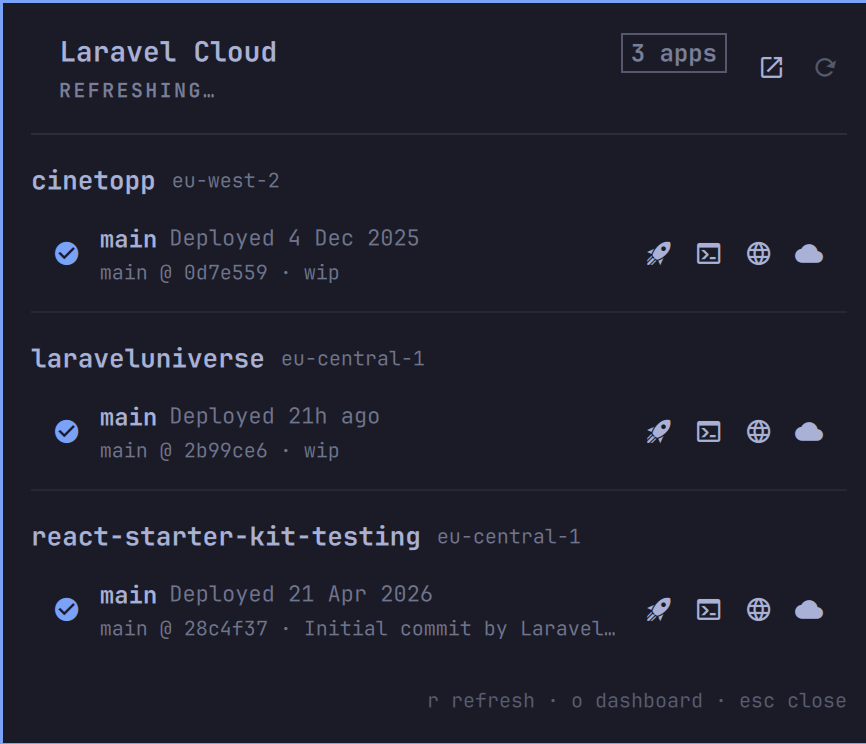 Laravel Cloud for Omarchy
Christoph Rumpel
Laravel Cloud for Omarchy
Christoph Rumpel
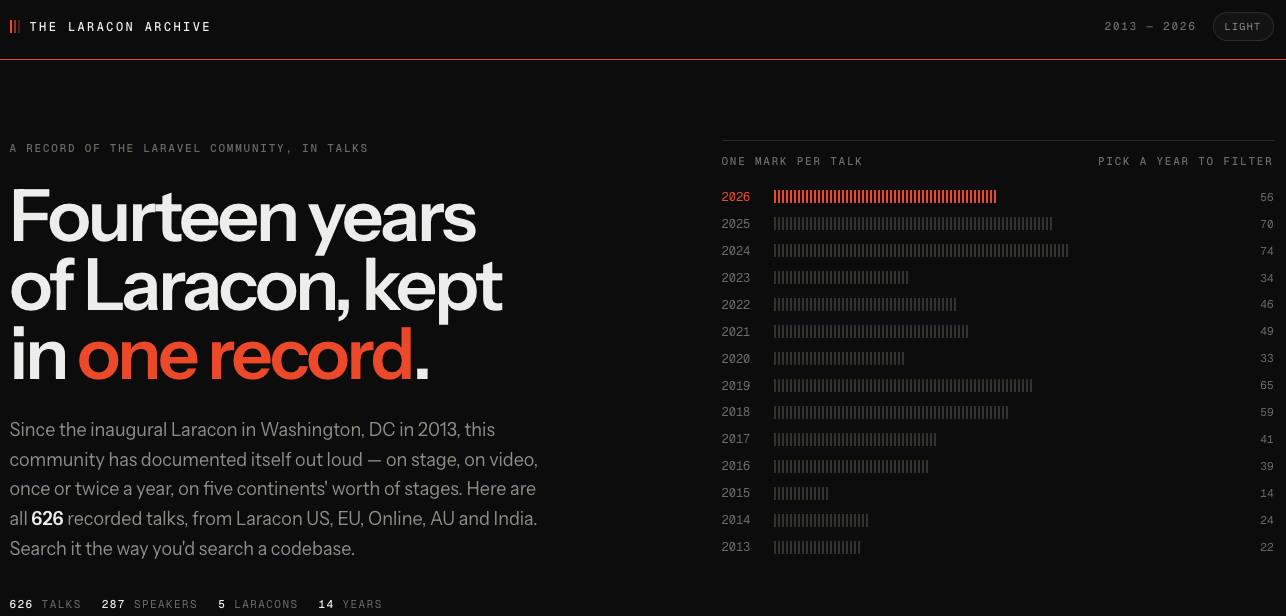 The Laracon Archive
Prince John
The Laracon Archive
Prince John
 Join Us for The PHP Foundation Community Hour
Elizabeth Barron
Join Us for The PHP Foundation Community Hour
Elizabeth Barron
 What's new in PHP 8.6
stitcher.io
What's new in PHP 8.6
stitcher.io
 ccusage
ryoppippi
ccusage
ryoppippi
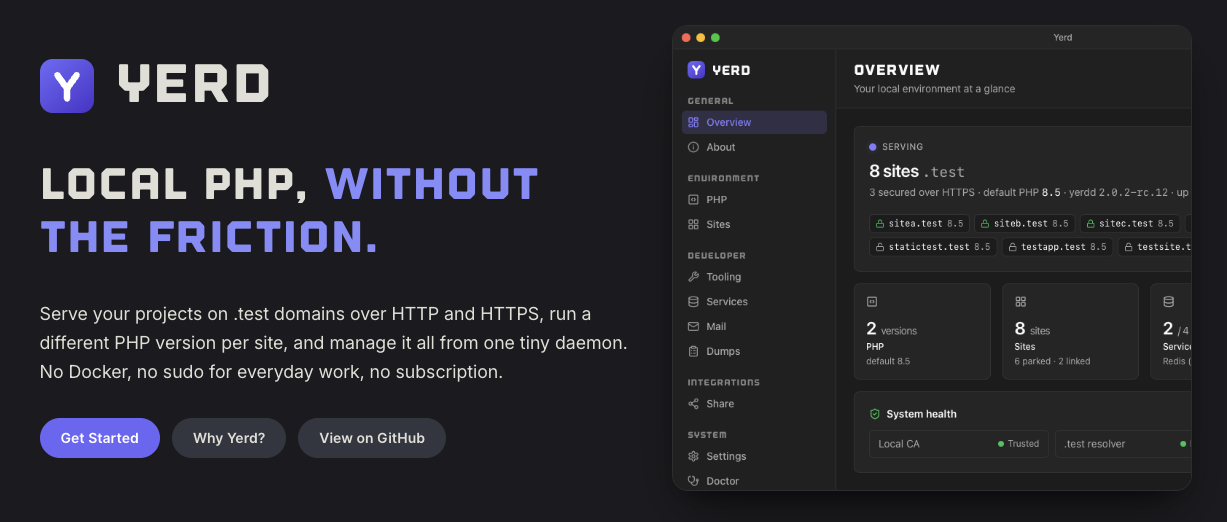 Yerd Local PHP, without the friction.
 Everything Laravel announced at Laracon US 2026
Laravel
Everything Laravel announced at Laracon US 2026
Laravel
 The evolution of a PHP object throughout the years
Brent Roose
The evolution of a PHP object throughout the years
Brent Roose
 Tinkerwell 5 and the MCP Bridge: Let Claude Actually Run Your PHP Code
Shocm
Tinkerwell 5 and the MCP Bridge: Let Claude Actually Run Your PHP Code
Shocm
More Articles
Your config/database.php connections aren't fixed at boot. Here's how to pick, register, and reset connections at runtime.
Filament rolls out a beta with performance work spanning forms, tables, panels, and widgets. Here's what changed and how to try it.
Model valid order status transitions with a backed PHP enum and Eloquent, no state machine package required.

Skip the old Rule::passes()/message() dance. Build reusable, testable validation logic with ValidationRule invokable classes.

Replace nested string function calls and ternaries with Str::of() chains that read top to bottom and are easy to extend.
Laravel shipped a first-party package for managing document head tags fluently across Blade, Livewire, and Inertia apps.

Three Eloquent shortcuts look almost identical. Here is how firstOrCreate, updateOrCreate, and firstOrNew actually differ, and when each one bites you.

Build Laravel middleware that replays cached responses for retried payment requests, so a client timeout never turns into a double charge.